

Guides · Product
Why new service businesses should stop booking through DMs
Instagram and WhatsApp booking breaks down as you grow. How new UK salons and wellness studios switch to Sway for 24/7 self-serve booking, fewer no-shows, and less evening admin.
Published 1 July 2026
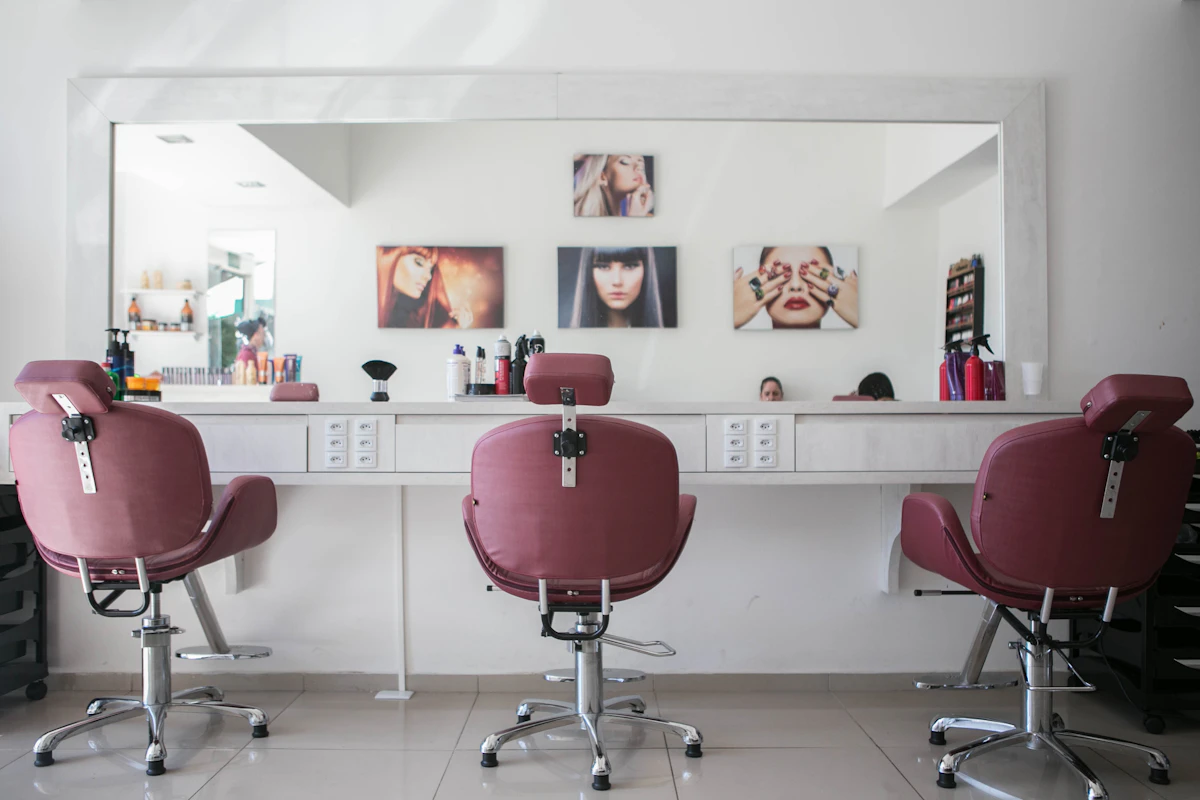
The DM booking trap
Most new UK stylists, therapists, and trainers start on Instagram DMs or WhatsApp. It feels personal and free. It works until you have more than a handful of clients a week.
Then the problems start: messages at 11pm, double bookings because two people claimed the same slot, lost threads, and evenings spent typing 'sorry, that's gone' instead of resting.
What breaks when you book through messages
- No single source of truth — your diary is in your head, Notes app, and three chat threads.
- Clients book outside your hours and expect instant replies.
- No-shows with no deposit or cancellation policy enforced.
- New clients hesitate — DMs feel informal compared to a proper booking page.
- You cannot take card payments or deposits in a DM thread without awkward workarounds.
- Scaling to two services or staff multiplies the chaos.
What changes when you switch to Sway
- One calendar with live availability — clients only see open slots.
- 24/7 self-serve booking while you sleep, work, or treat another client.
- Automatic confirmations with appointment details.
- Optional deposits and card payments to cut no-shows.
- One link for Instagram bio, Google, and WhatsApp — stop repeating yourself.
- Reviews on your booking page build trust for strangers.
How to switch without losing clients
You do not need to announce a dramatic change. Update your bio to your Sway booking link. Post once: 'You can now book directly via the link in my bio — same great service, easier for you.'
For regulars who always DM, reply once with your link: 'I've moved booking online so you can pick your time anytime — here you go.' Most appreciate the convenience.
Run both systems in parallel for two weeks if needed, but stop confirming new bookings via DM once the link is live.
Start free — no commitment to switch
Sway Free costs nothing monthly. Set up your services, share your link, and see if clients use it. If your DMs go quiet and your calendar fills through the booking page, you have your answer.
Many new businesses switch within a week and wonder why they waited. The setup takes less time than one evening of DM back-and-forth.
You do not lose the personal touch
Online booking handles the logistics. You still greet clients by name, remember their preferences, and deliver the service they came for. The booking page just removes the admin friction that burns you out before the first appointment of the day.
Clients who want to chat can still message you. But the default path — book, confirm, arrive — should not require a conversation.
Frequently asked questions
Some older clients prefer phone, but most smartphone users expect a link. Make it easy: one tap from Instagram or Google. Guest checkout means no forced account creation.
Ready to try Sway?
Start free with your own booking page. Upgrade when you need unlimited bookings, embeds, or team calendars.
Related guides
Why use a booking tool for your business?
How online booking cuts no-shows, saves admin time, and gives UK salons and wellness studios a professional client experience, without marketplace commission.
Look professional from day one with an online booking page
How new UK salons and wellness studios build trust before they have a big reputation: branded booking page, clear services, deposits, reviews, and card payments with Sway.
Take online bookings without building a website
Step-by-step guide for UK salons and wellness businesses: set up online booking without a website, share your link, and start taking appointments in under an hour.

