

Waitlist settings
Turn on waitlist, set minimum notice and re-notification cooldown.
Quick answer: Waitlist emails the next customer on the list when a full session or event spot opens.
Before you start
- At least one fixed-session or one-off service
Overview
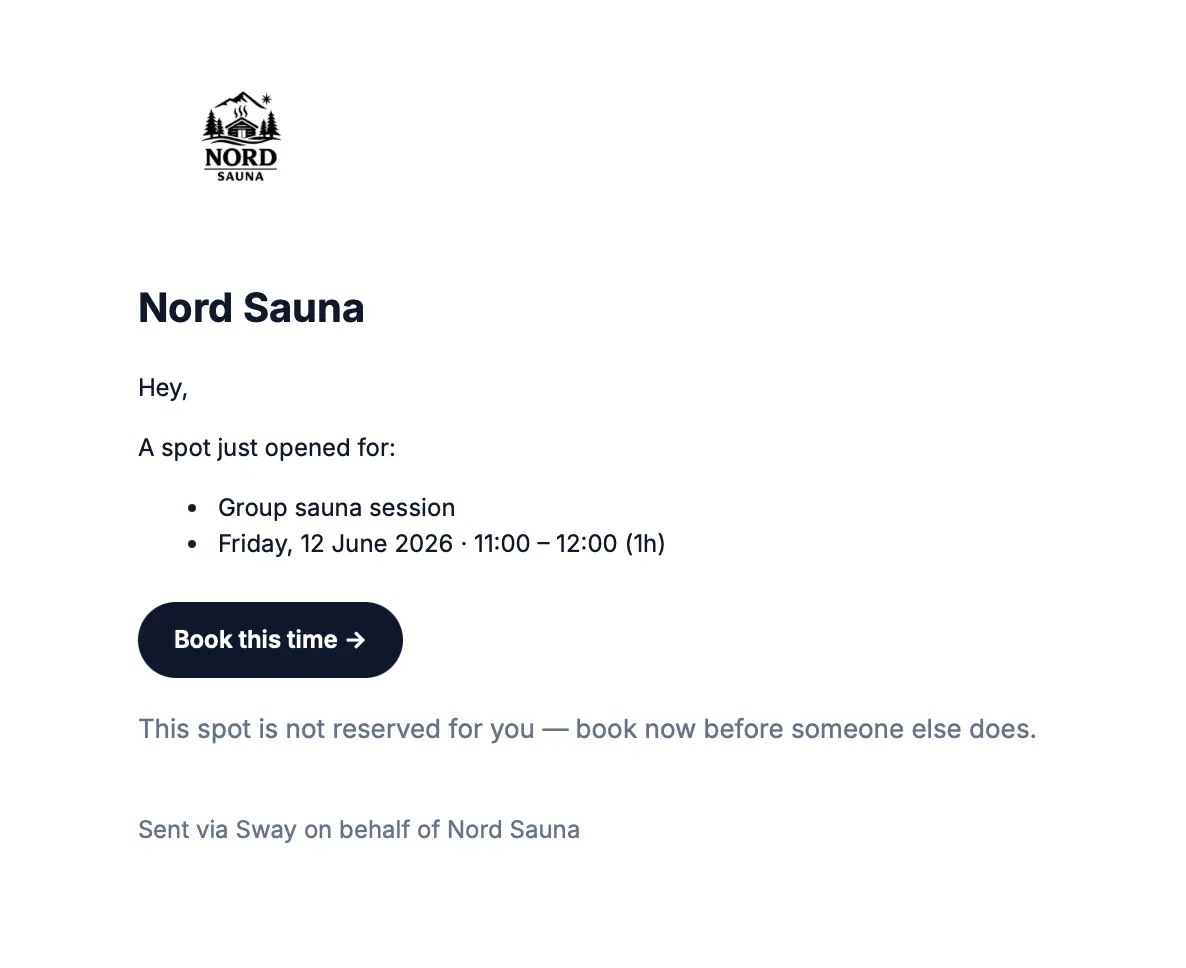
When a class or event is full, customers can join a waitlist. If a spot opens (e.g. after a cancellation), the first customer on the list receives an email with a link to book.
- Works on fixed sessions and one-off events
- Up to 10 customers per slot
- Does not apply to flexible 1:1 services
Before you start
Note
Waitlist inherits your business default. You can override per service under the service scheduling step.
Step-by-step
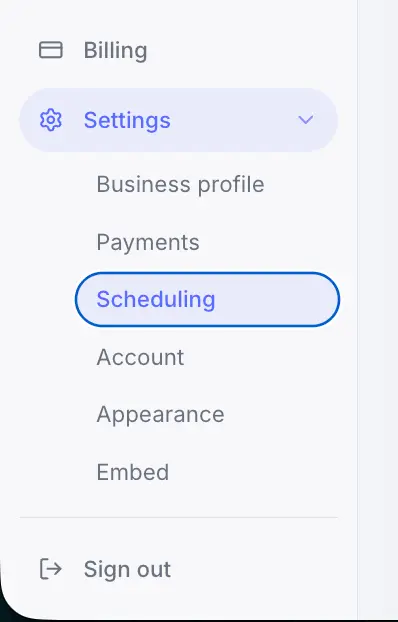
Open Scheduling settings
From the business sidebar, go to Settings → Scheduling.
Look for: Scheduling
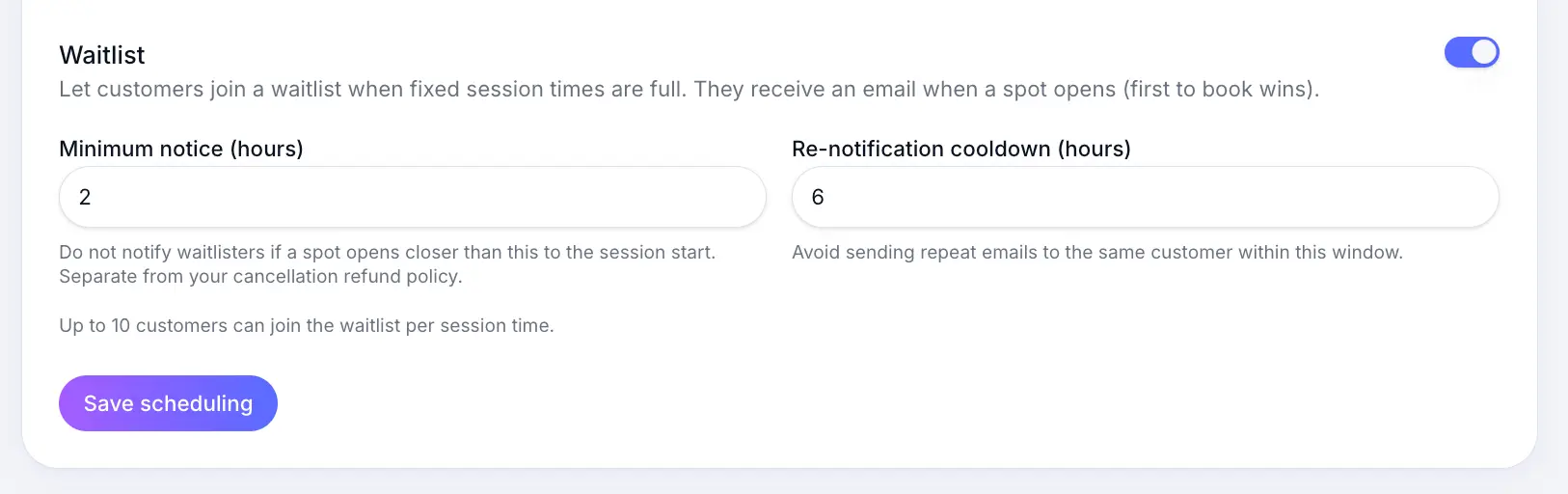
Turn on Waitlist
Look for: Waitlist
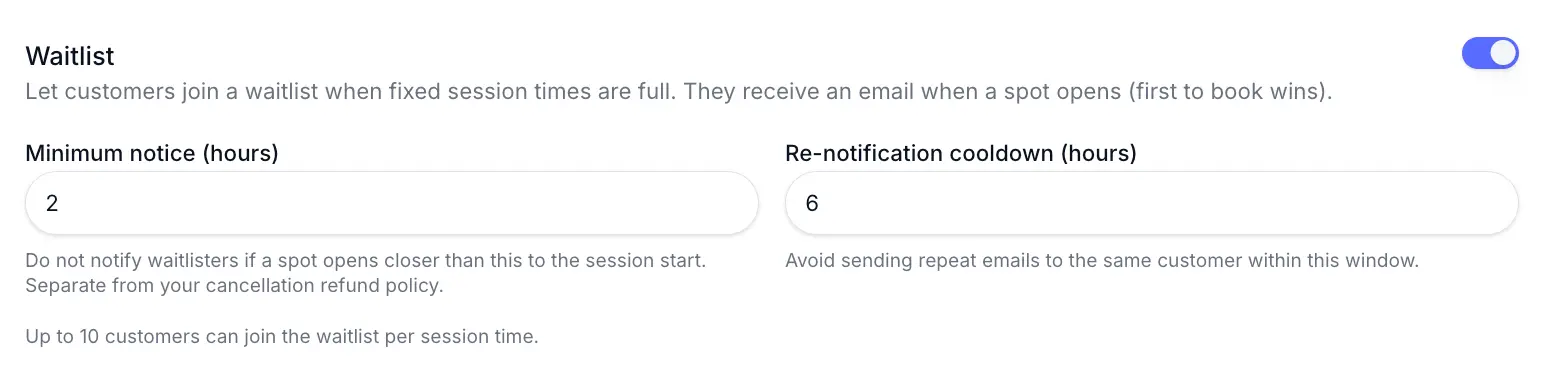
Turn the toggle on to enable waitlist for eligible services. Set minimum notice
Customers are not notified if a spot opens too close to the session start.
Look for: Minimum notice (hours)

Set how many hours before a session customers must be notified. Set re-notification cooldown
Look for: Re-notification cooldown (hours)

Prevent repeat waitlist emails for the same opening slot.
What happens next
When a booking is cancelled and a spot opens, the first customer on the waitlist receives an email with a direct link to book.
Common questions
Frequently asked questions
No. Only fixed-session and one-off services support waitlist.
Related articles
Waitlist
Waitlist overview
Let customers join a waitlist when a session or event is full, and notify them when a spot opens.
Services
Flexible scheduling services
Create a 1:1 service where customers pick any available time during your business hours.
Plans & billing
Sway plans compared
Compare Free, Individual, and Team plans — features, limits, platform fees, and which plan fits your business.
Still need help?
If this article didn't answer your question, search the help centre or contact our support team.
When contacting support about waitlist issues, include the service name, session date, and whether the slot was full.
Sign in to open a tracked support ticket, or use the contact form.