

Plan limits
Staff seats, monthly bookings, locations, and other limits by plan.
Quick answer: Free includes 1 staff member and 50 bookings per month. Individual and Team remove the booking cap and add more staff and features.
Overview
Each Sway plan has limits on staff, bookings, and some features. Upgrade when you hit a cap or need Team-only tools like multiple staff calendars.
| Limit | Free | Individual | Team |
|---|---|---|---|
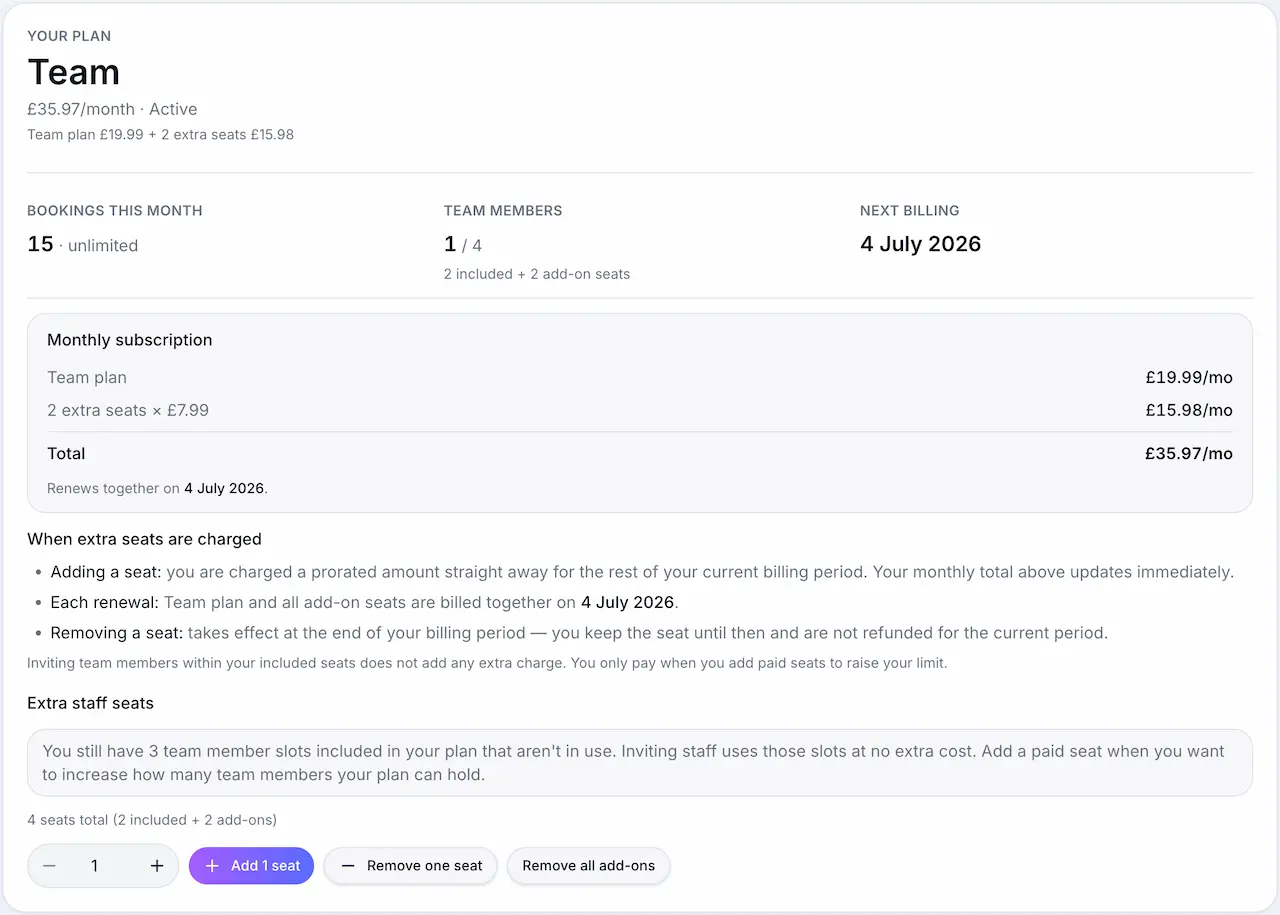
| Staff members | 1 | 1 | 2 included (+ add-ons) |
| Bookings per month | 50 | Unlimited | Unlimited |
| Locations | 1 | Multiple | Multiple |
| Platform fee | 2.4% | 0.5% | 0.35% |
Before you start
What counts toward limits
Bookings per month (Free plan)
Confirmed bookings in the current calendar month count toward the 50-booking cap.
Staff members
Active staff with login access count toward your plan's staff limit.
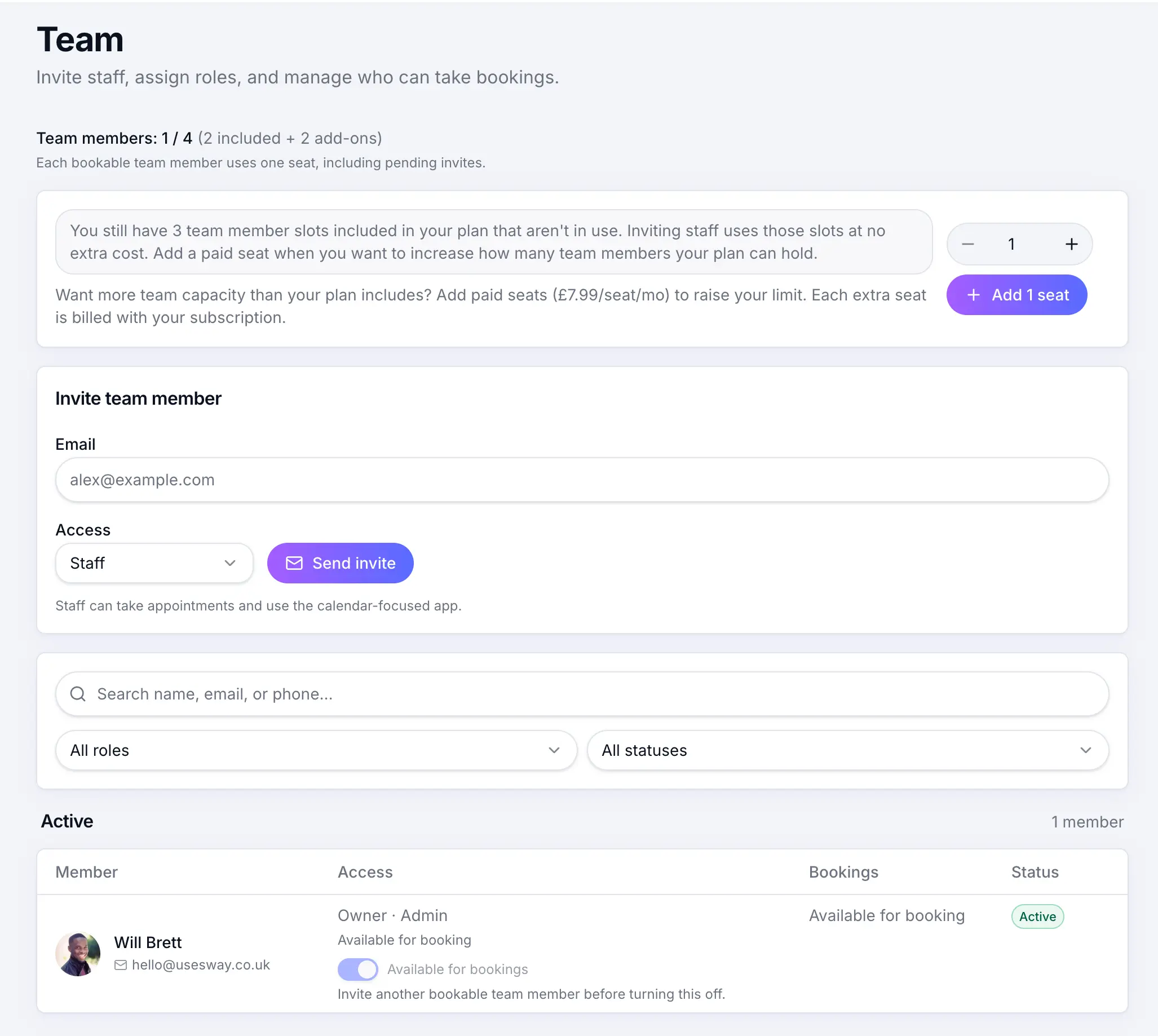
Each active staff member counts toward your plan limit. When you hit a limit
Sway prompts you to upgrade or remove staff before you can add more.
What happens next
Upgrading takes effect immediately and resets applicable limits. Downgrading may require removing staff or locations first.
Changing your planRead →Common questions
Frequently asked questions
Only confirmed bookings in the current month count. Check Billing for your live usage.
Related articles
Plans & billing
Sway plans compared
Compare Free, Individual, and Team plans — features, limits, platform fees, and which plan fits your business.
Plans & billing
Features by plan
Full feature matrix for Free, Individual, and Team plans.
Plans & billing
Upgrading & downgrading your plan
Move between Free, Individual, and Team — upgrades apply immediately; downgrades take effect at the end of your billing period.
Still need help?
If this article didn't answer your question, search the help centre or contact our support team.
Sign in to open a tracked support ticket, or use the contact form.