

Getting help from Sway
Open support tickets, browse the help centre, or email the Sway team.
Quick answer: Search the help centre first for how-to guides. Signed-in users can open a support ticket at /contact or /support/new — replies stay in one thread. Can't sign in? Use the contact form or email support directly.
Overview
Sway offers self-serve help articles for most setup and booking questions, plus human support when you need it. Support tickets keep the full conversation in one place so you and the Sway team can refer back to earlier messages.
- Help centre — searchable guides for settings, bookings, billing, and more
- Support tickets — track replies when signed in
- Email — for account access issues when you cannot sign in
- In-app notifications — booking and message alerts on all plans
Before you start
Try the help centre first
Most setup questions — hours, Stripe, waitlist, plans — are answered in step-by-step guides at /help.
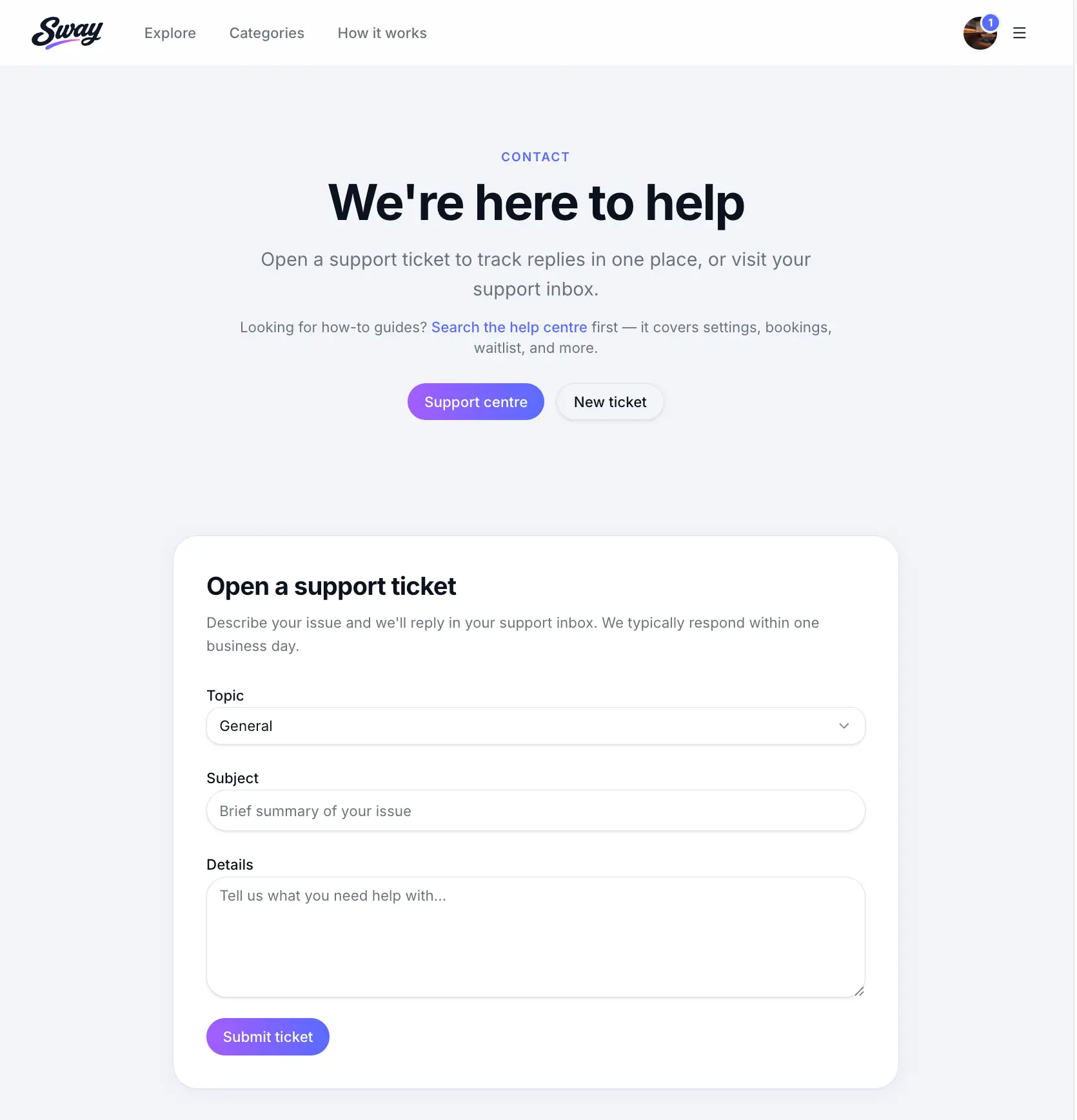
Opening a support ticket
Sign in to your Sway account
Tickets are tied to your account so we can see your workspace and reply in one thread.
Go to Contact or Support
Visit /contact or open Support centre from the app menu, then choose New ticket.
Pick a topic so your request reaches the right team. Describe your issue
Include what you were trying to do, any error messages, and your business name if relevant. Screenshots help.
Look for: Message
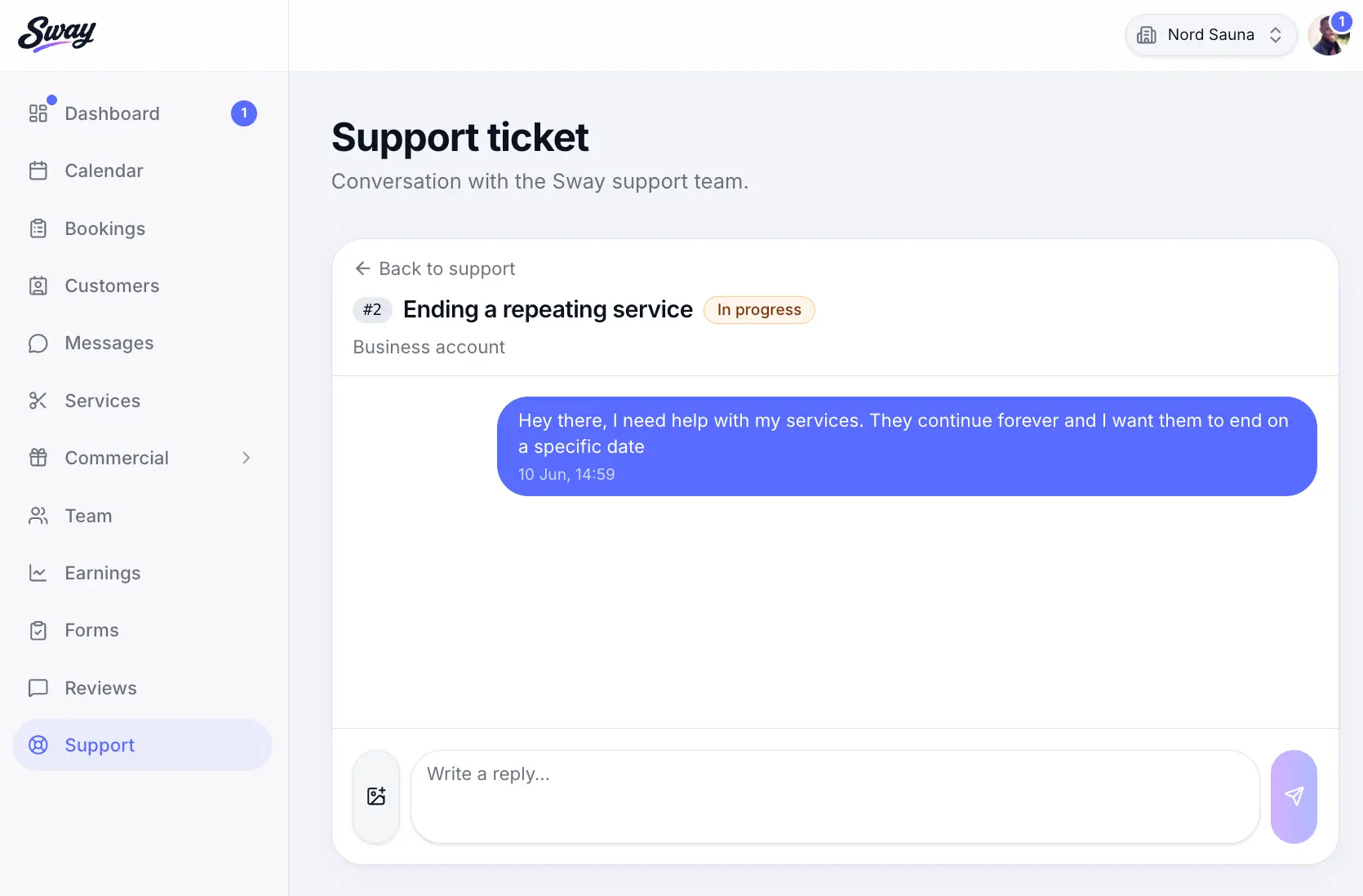
Track replies in Support centre
Open /support to see open tickets and reply when we ask for more detail.
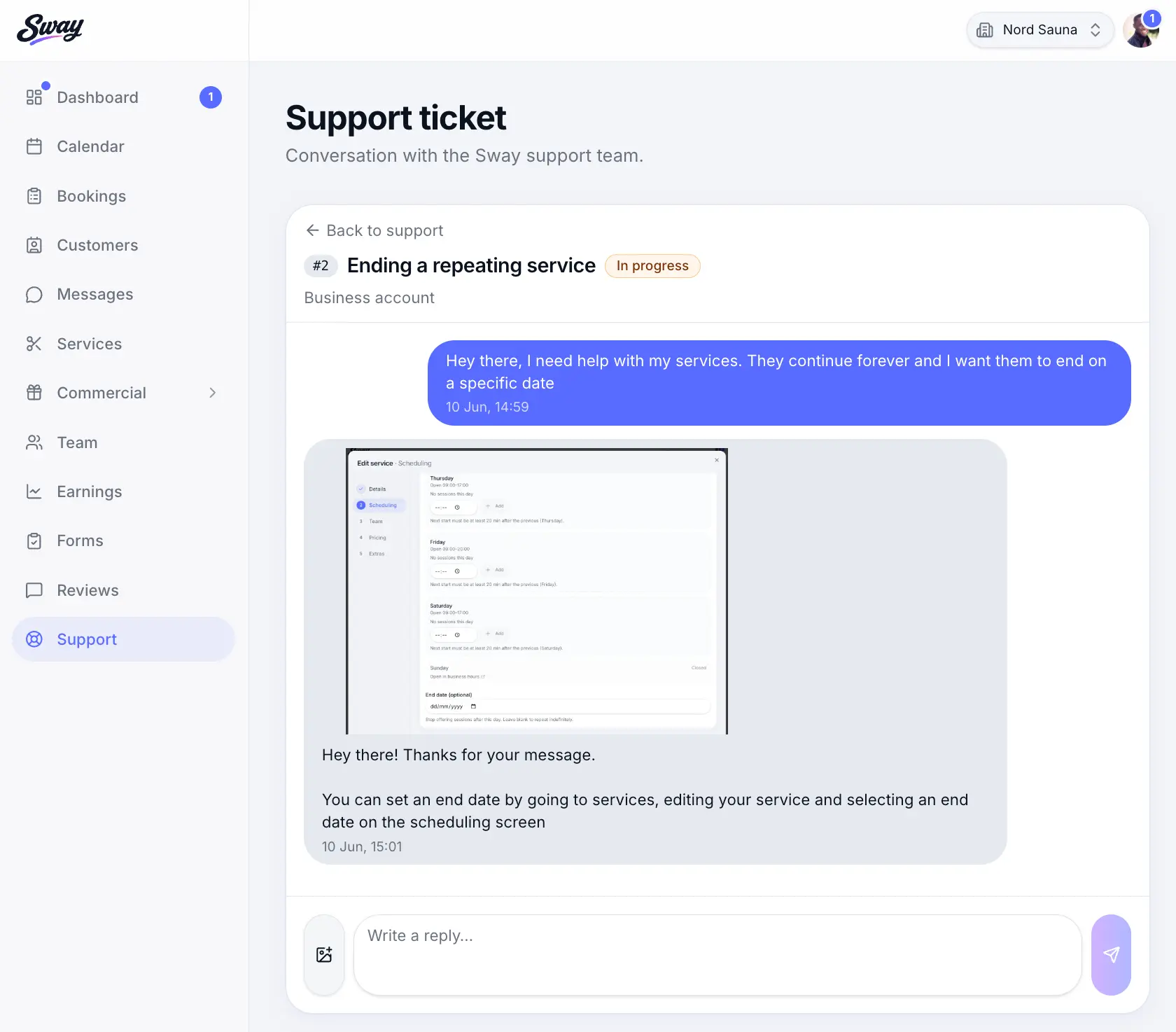
All replies appear in the ticket thread — no hunting through email.
Common questions
Frequently asked questions
Use the contact form on /contact or email support@usesway.co.uk. Include the email on your account so we can find you.
Related articles
Settings
Account & sign-in settings
Update your profile, email, and password for your business or personal workspace.
Getting started
What is Sway?
Workspaces, your public booking page, and the Sway directory.
Getting started
Navigating the business app
Sidebar sections, settings, and what staff members can access.
Still need help?
If this article didn't answer your question, search the help centre or contact our support team.
Sign in to open a tracked support ticket, or use the contact form.