

Account & sign-in settings
Update your profile, email, and password for your business or personal workspace.
Quick answer: Update your name, photo, email, and password under Settings → Account (business) or Personal settings (customer).
Overview
Account settings control how you sign in and how you appear as a team member or customer — separate from your business listing name and logo.
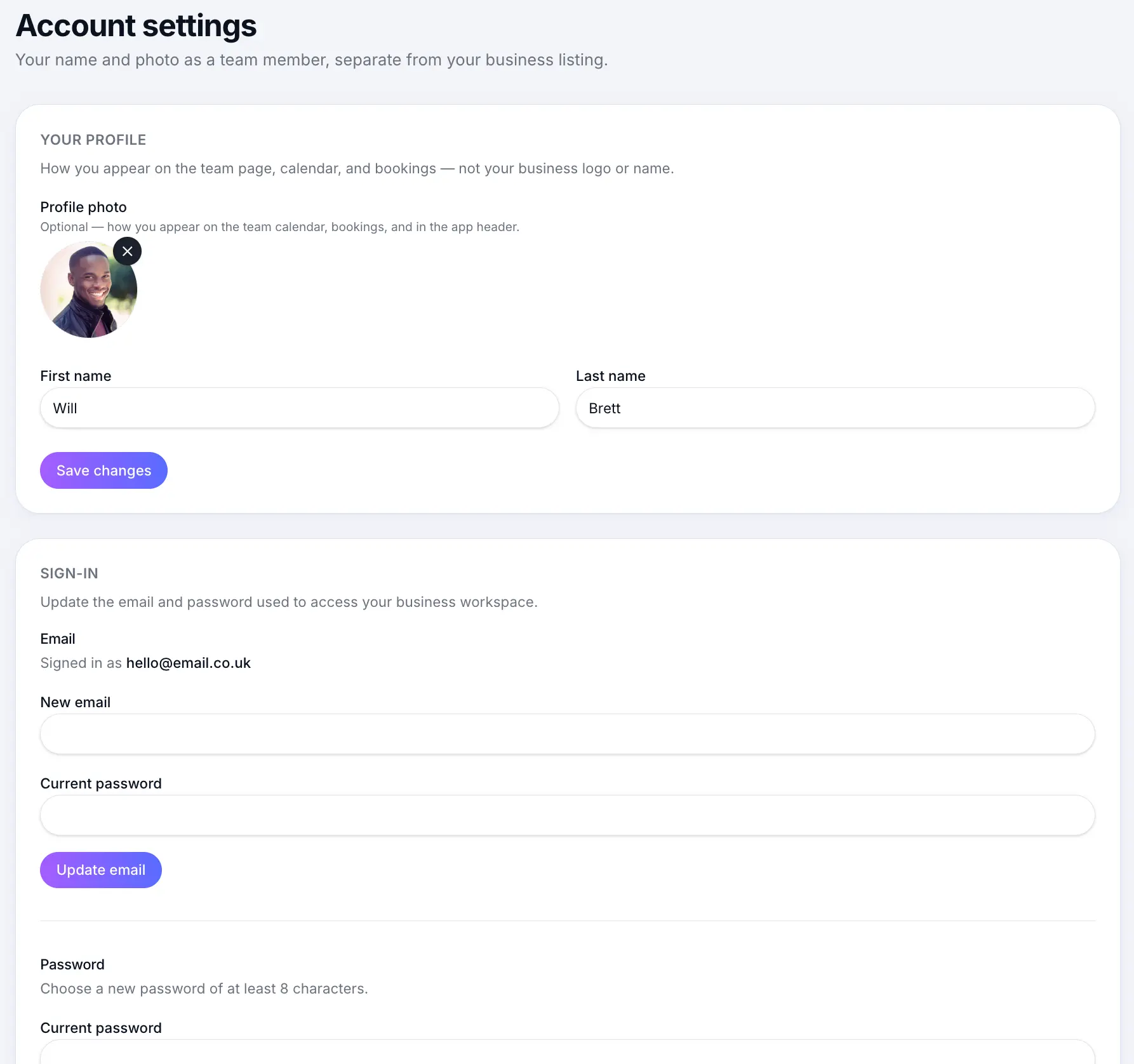
Update sign-in details
Open Account settings
Look for: Account
Update your profile
Change your name and photo — how you appear on the team page and calendar.
Look for: Your profile
Update email or password
Use the Sign-in section to change credentials.
Look for: Sign-in
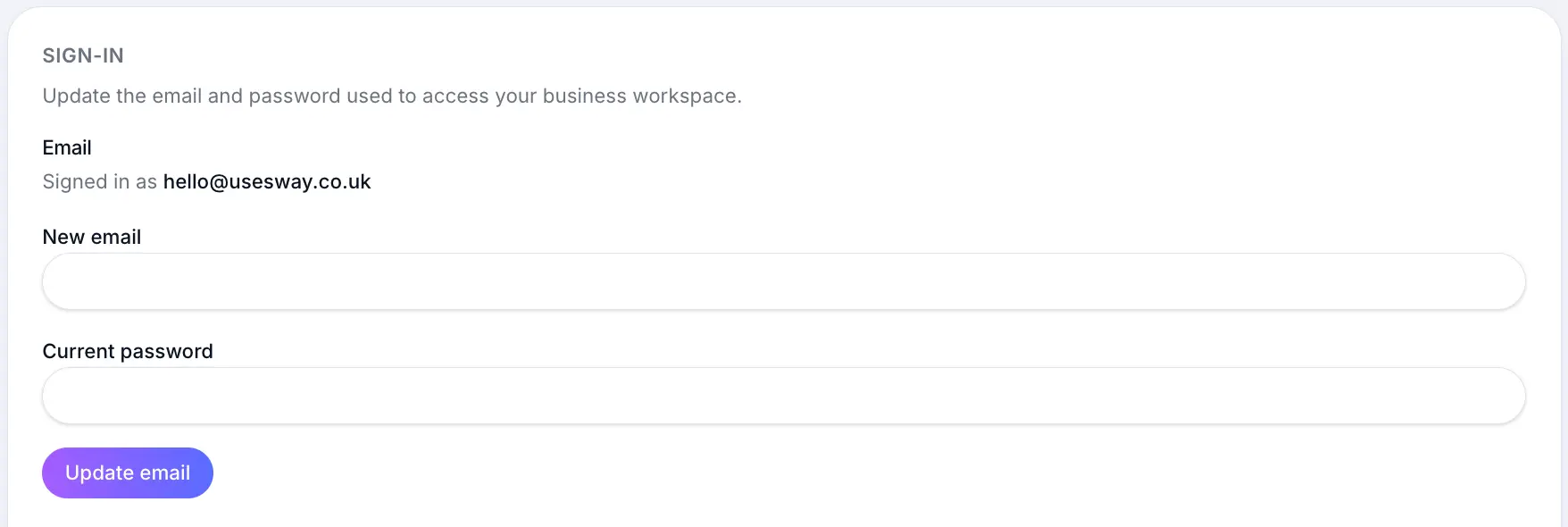
Changes apply to how you access your workspace.
Closing your account
To permanently delete your business, personal workspace, or entire account, use Delete account at the bottom of Account settings — not the sign-in section.
Closing your accountRead →Common questions
Frequently asked questions
No. Each person updates their own account credentials.
Related articles
Still need help?
If this article didn't answer your question, search the help centre or contact our support team.
Sign in to open a tracked support ticket, or use the contact form.