

Promo codes per service
Allow or disallow discount codes on individual services.
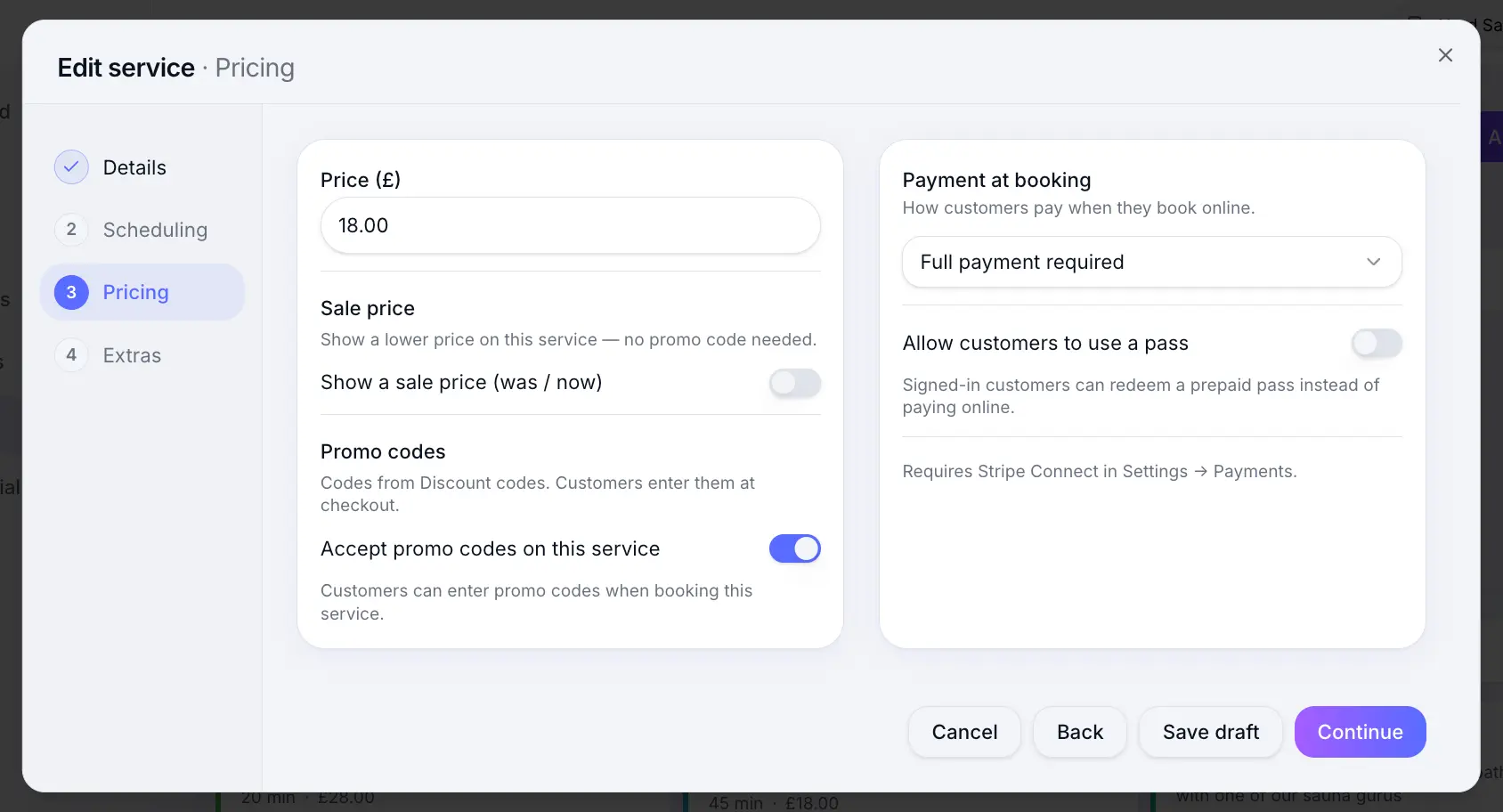
Quick answer: On each service's Pricing step, turn general promo codes on or off. A code aimed only at that service still works when general codes are off. Codes are created under Commercial → Discount codes.
Before you start
- At least one discount code created
Overview
By default, services accept general promo codes at checkout. Turning that off blocks those general codes only. A discount code aimed at this service still works. A service that is already on sale does not take any promo code.
Before you start
Note
Discount codes are created under Commercial → Discount codes. This setting only controls whether a service accepts them.
Step-by-step
Open Services and edit a service
Look for: Services
Go to the Pricing step
Look for: Pricing
Toggle Accept discount codes
Turn this on so customers can enter any eligible promo code. Turn it off to block general codes. A code aimed only at this service still works.
Look for: Accept discount codes
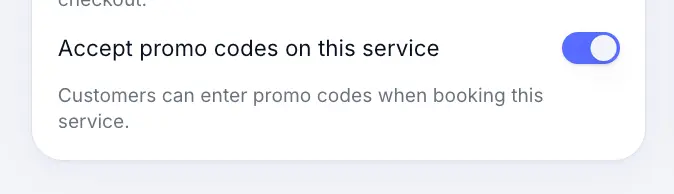
Other services can still accept codes when this one does not. Save the service
Look for: Save
What customers see
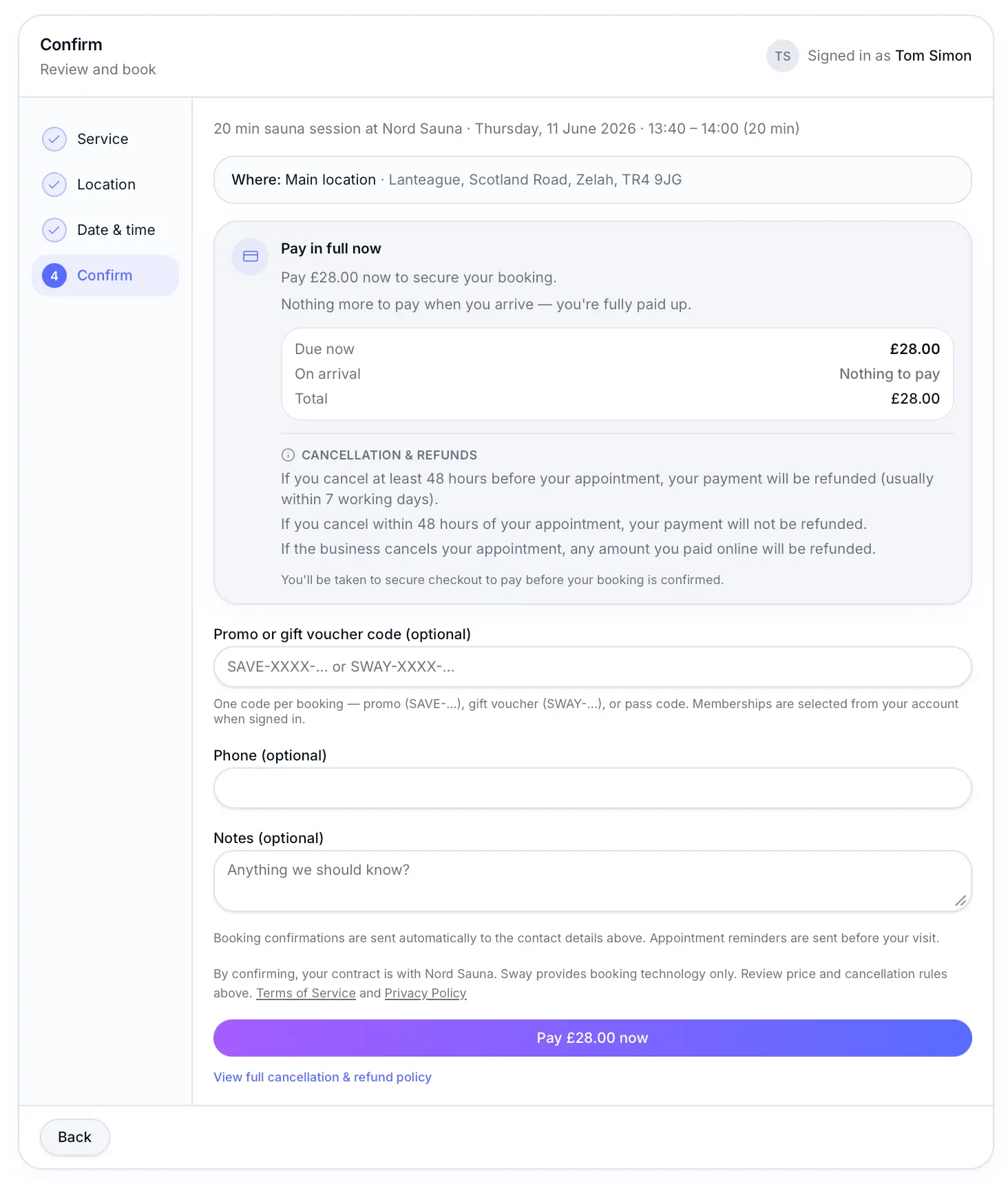
When codes are allowed, customers see a promo code field at checkout on eligible services. When disabled, the code field is hidden and existing codes cannot be applied to that service.
Common questions
Frequently asked questions
No. Services accept codes by default. Only turn the toggle off where you want to block them.
Related articles
Still need help?
If this article didn't answer your question, search the help centre or contact our support team.
Sign in to open a tracked support ticket, or use the contact form.