

One-off event services
Create a single-date workshop, pop-up, or special event that disappears after it runs.
Quick answer: Choose One-off event on the Scheduling step, set the event date and start time, then publish — the service disappears from booking after the event passes.
Before you start
- Business hours configured
Overview
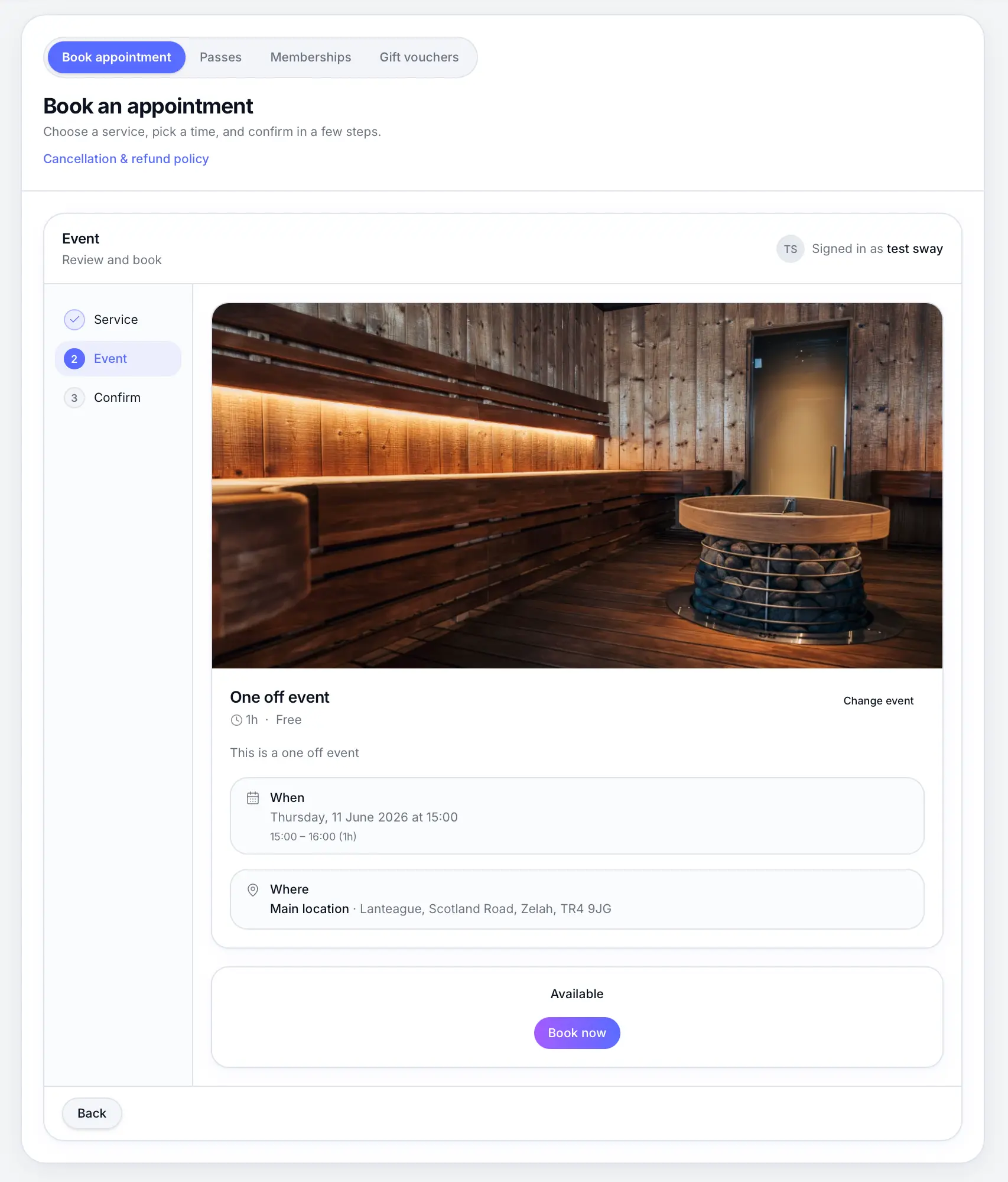
One-off events run once at a specific date and time — ideal for workshops, open days, or special classes. Unlike fixed sessions, they don't repeat weekly. After the event time passes, the service is removed from your public booking page.
- Single date and start time
- Supports 1:1 or group capacity
- Automatically hidden after the event
- Works with waitlist when full
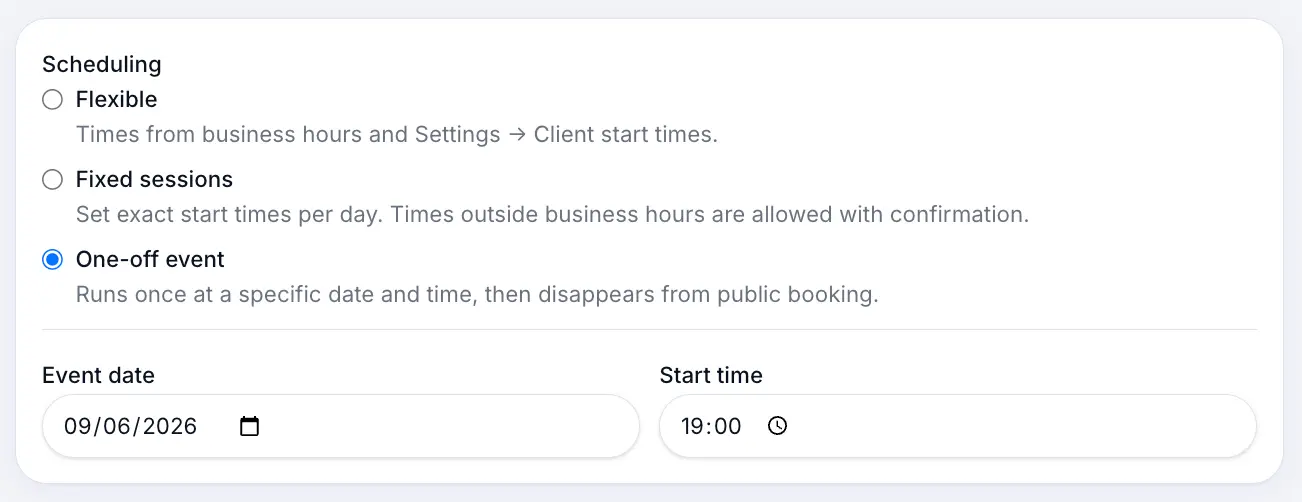
Before you start
Note
Choose group capacity if multiple customers can attend the same event time.
Step-by-step
Add or edit a service
Look for: Add service
Select One-off event scheduling
Look for: One-off event
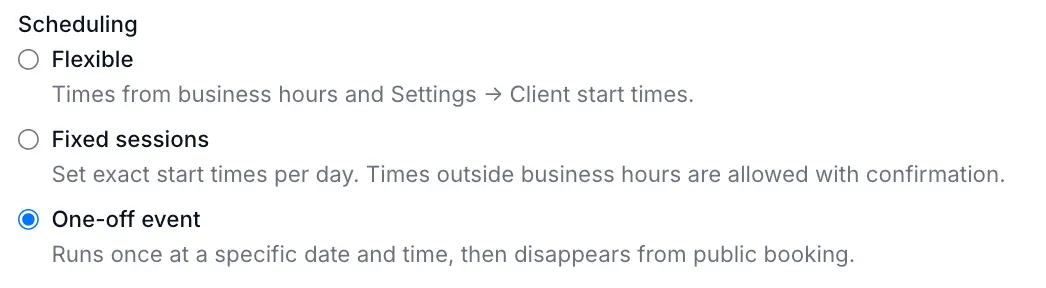
One-off events run once at a specific date and time. Set event date and start time
Pick when the event runs. Customers only see this single slot on your booking page.
Look for: Event date
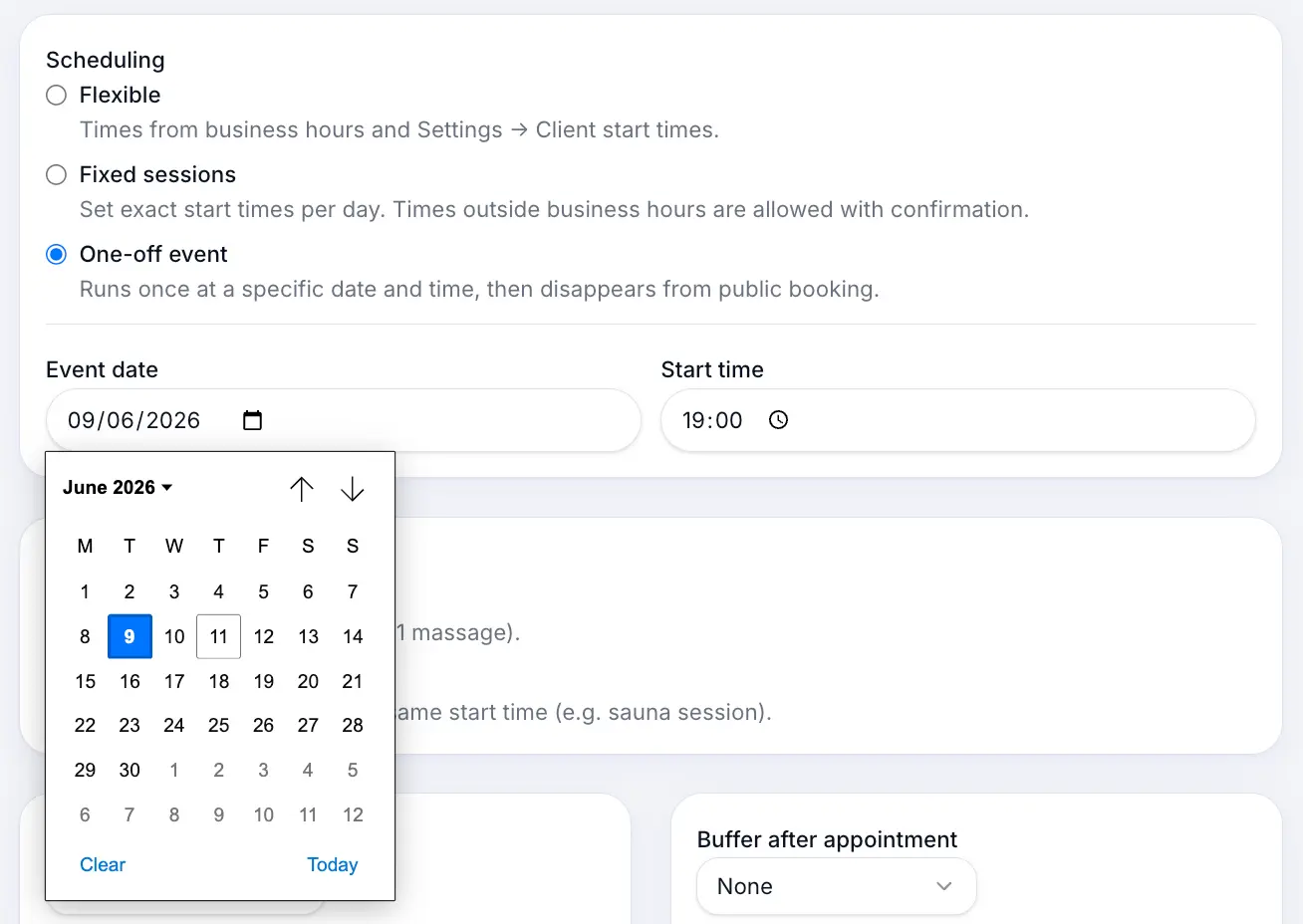
Set the exact date and time for your event. Set capacity if running a group event
Under Booking type, choose Multiple bookings per slot and set max attendees.
Look for: Customers per time slot
Save and publish the service
Look for: Save
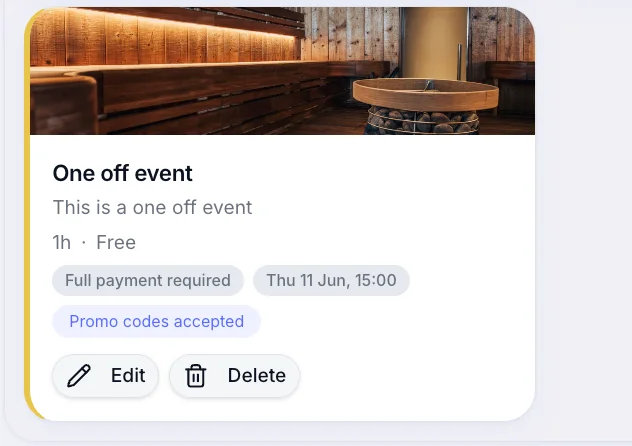
Published one-off services show the event date on your services list.
What happens next
Customers see the event on your booking page until the start time passes. Existing bookings stay on your calendar for your records.
Common questions
Frequently asked questions
Fixed sessions repeat weekly at set times. One-off events run once on a single date.
Related articles
Services
Fixed session services
Create classes and events with fixed weekly start times and optional capacity.
Services
1:1 vs group bookings
Choose single booking per slot or multiple customers sharing the same start time.
Services
Flexible scheduling services
Create a 1:1 service where customers pick any available time during your business hours.
Still need help?
If this article didn't answer your question, search the help centre or contact our support team.
Sign in to open a tracked support ticket, or use the contact form.