

How far ahead clients can book
Set your booking window so customers can only book within a chosen number of weeks, months, or years.
Quick answer: Under Scheduling settings, set how far ahead clients can book — e.g. 4 weeks or 3 months — to control how far into the future your calendar opens.
Overview
The booking horizon limits how far ahead customers can see and book appointments. A shorter window keeps your schedule manageable; a longer window suits businesses that plan months ahead.
Before you start
Step-by-step
Open Scheduling settings
Look for: Scheduling
Find How far ahead clients can book
Look for: How far ahead clients can book
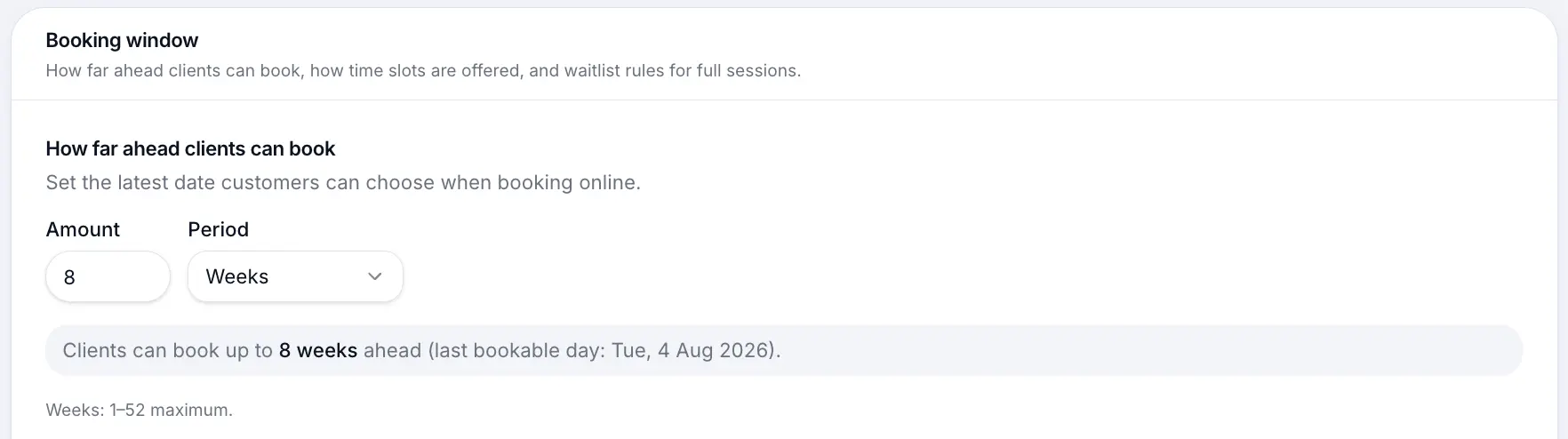
Set the amount and unit
Enter a number and choose weeks, months, or years. A preview shows the latest bookable date.
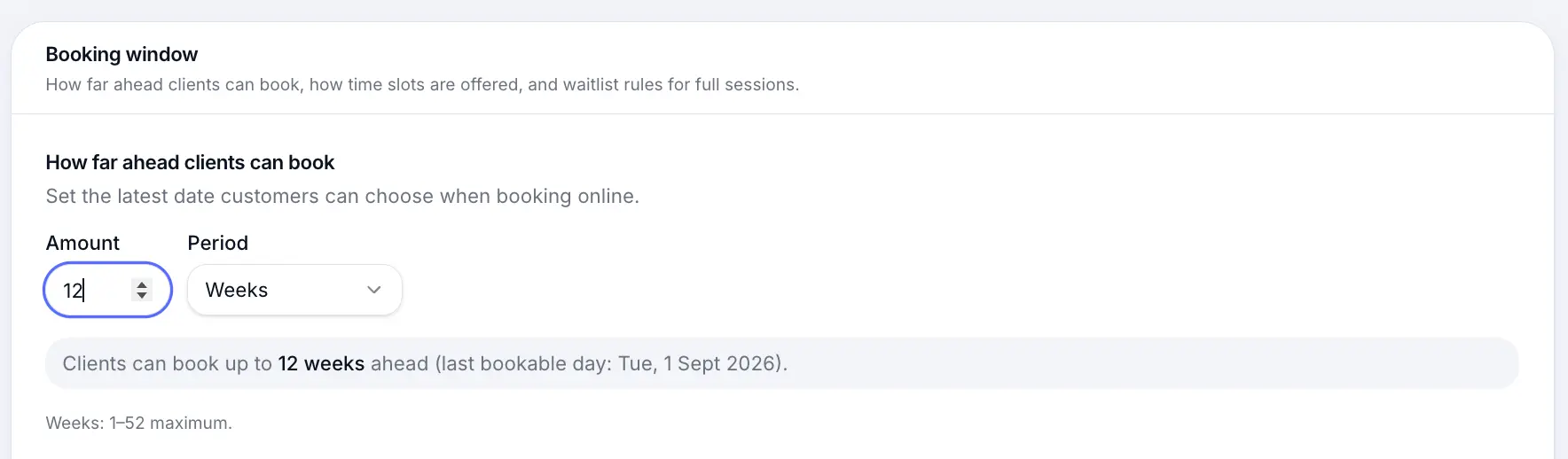
Customers cannot book beyond this window. Save the booking window
Save sits under this section and stores only how far ahead clients can book.
Look for: Save
What happens next
Your public booking page only shows dates within the horizon. Refresh your booking page after saving to confirm the change.
Setting business hoursRead →Common questions
Frequently asked questions
Yes. Session dates beyond the horizon are hidden from customers on your booking page.
Related articles
Settings
Setting business hours
Set which days you're open and your daily opening times for customer bookings.
Settings
Scheduling settings overview
Booking window, hours, client start times, smart booking, waitlist, and closures.
Settings
Minimum notice before customers can book
Hide same-day and last-minute times on your booking page by setting days and hours of notice.
Services
Flexible scheduling services
Create a 1:1 service where customers pick any available time during your business hours.
Still need help?
If this article didn't answer your question, search the help centre or contact our support team.
Sign in to open a tracked support ticket, or use the contact form.