

Connecting Stripe for payments
Connect Stripe to accept deposits and full payments online at booking.
Quick answer: Connect your Stripe account under Payments settings to take card payments for deposits and full bookings online.
Overview
Sway uses Stripe Connect to process customer card payments. You need an active Stripe connection before you can require deposits or full payment at booking.
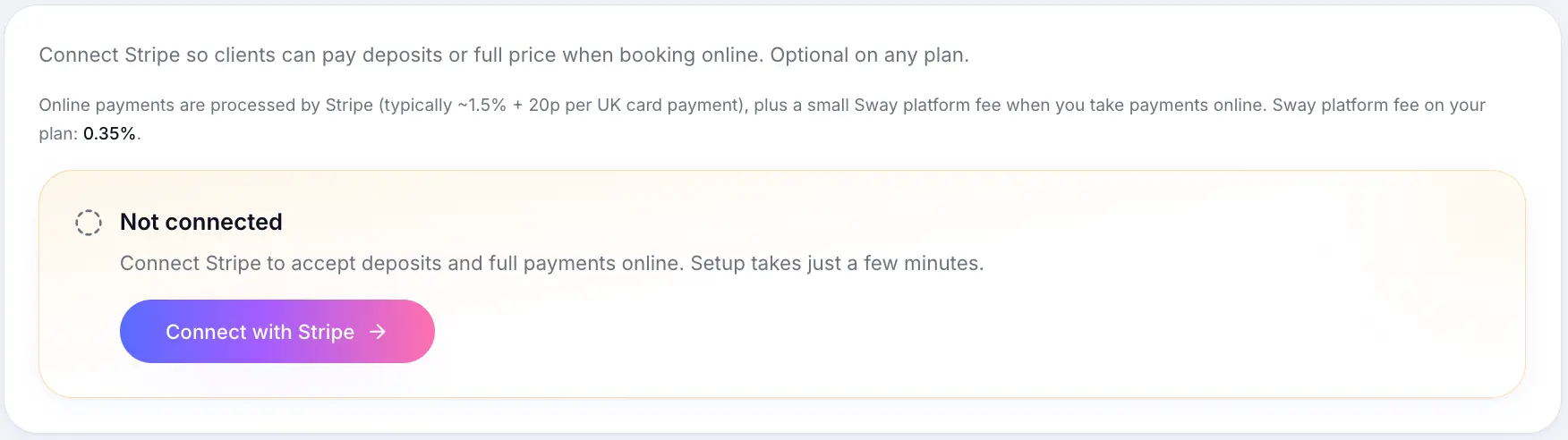
Before you start
Note
You'll need your business details and bank account ready for Stripe's verification. Stripe may ask for additional information for some business types.
Step-by-step
Open Payments settings
Look for: Payments
Start Stripe Connect
Click Connect with Stripe (or Continue setup if partially complete).
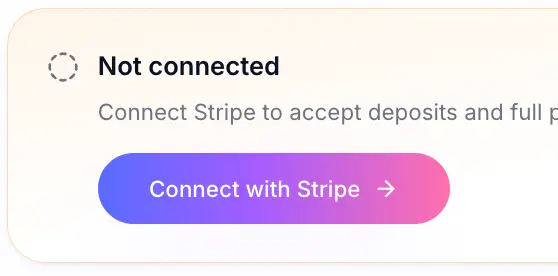
Start or continue Stripe onboarding from here. Complete Stripe onboarding
Follow Stripe's prompts to verify your business and add a bank account for payouts.
Return to Sway
Once connected, Payments settings shows Ready to accept payments with options to update your Stripe account, view earnings, and open the Stripe dashboard.
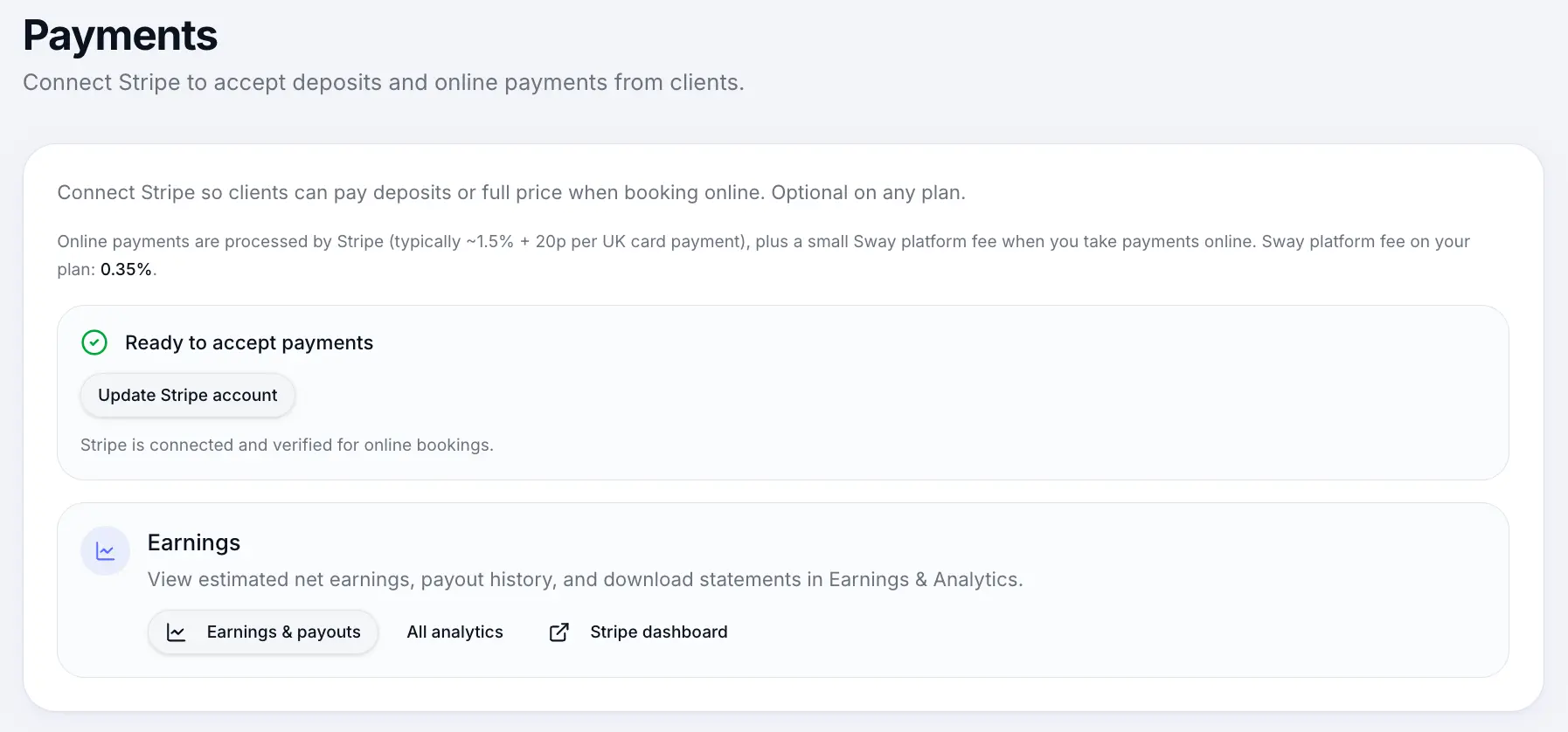
A connected account shows Ready to accept payments.
What happens next
Set deposits or full payment on individual services. Customer payments go to your Stripe account minus Stripe card fees (which vary by card) and a small Sway platform fee.
Setting up depositsRead →Platform & Stripe feesRead →Common questions
Frequently asked questions
Yes. You can offer pay-at-venue on services without connecting Stripe.
Related articles
Services
Setting up deposits
Require a deposit at booking — fixed amount or percentage — to reduce no-shows.
Plans & billing
Platform & Stripe fees
Understand Sway platform fees and Stripe card processing charges on card payments.
Services
Payment options
Choose pay at venue, deposit, full payment, or pass required when customers book online.
Still need help?
If this article didn't answer your question, search the help centre or contact our support team.
Sign in to open a tracked support ticket, or use the contact form.