

Business profile settings
Name, photos, contact details, locations, and public presence for your booking page.
Quick answer: Business profile settings control how your business appears on your public booking page and in emails.
Overview
Your business profile is the foundation of your public page. Customers see your name, photos, description, locations, and contact details before they book.
- Business name and description
- Logo and cover photo
- Contact email and phone
- Locations and address display
- Public booking link and directory listing
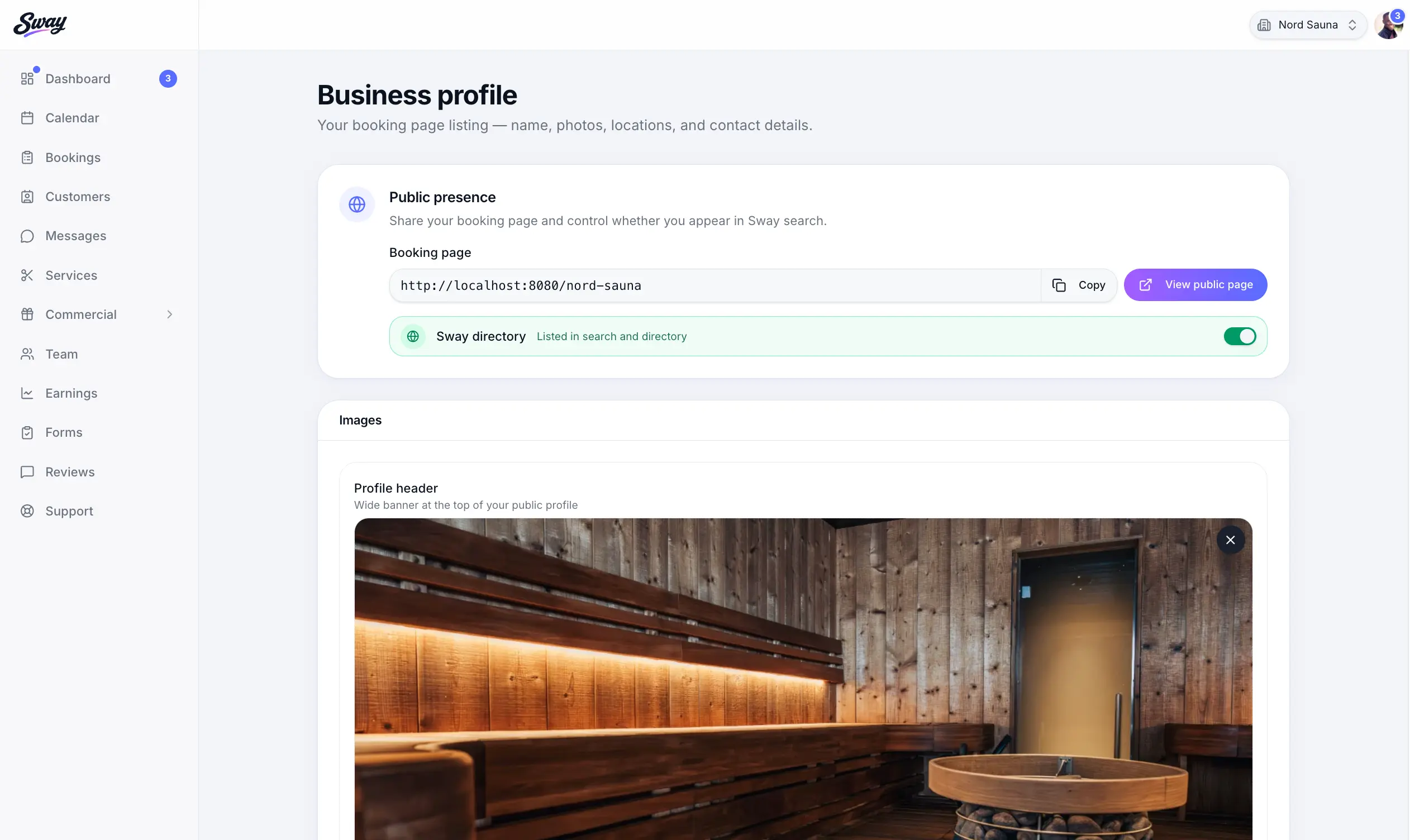
Key sections
Business details
Set your display name, timezone, and description shown on your booking page.
Photos
Upload a logo and cover image — they appear on your public page and in the directory.
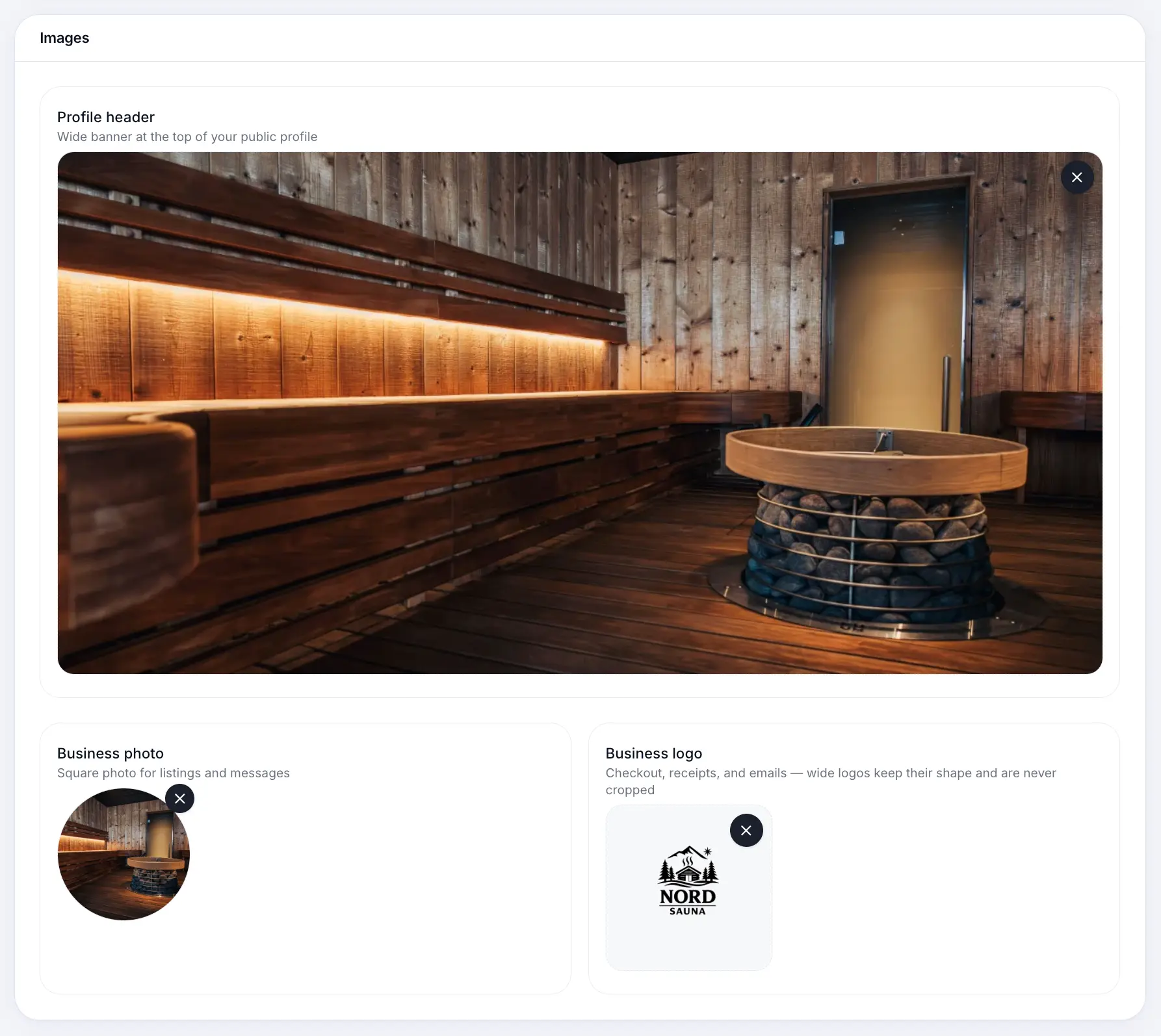
Strong photos help customers recognise your brand. Public presence
Copy your booking link and choose whether to appear in Sway search.
Common questions
Frequently asked questions
Name, timezone, and contact details are required. See the dashboard checklist for the full list.
Related articles
Settings
Sharing your booking page link
Find your public booking URL in Business profile and share it with customers.
Settings
Adding locations
Main and additional booking locations for your business.
Settings
Refund cutoff window
Set how many hours before an appointment customers can cancel and receive a refund.
Still need help?
If this article didn't answer your question, search the help centre or contact our support team.
Sign in to open a tracked support ticket, or use the contact form.