

Scheduling settings overview
Booking window, hours, client start times, smart booking, waitlist, and closures.
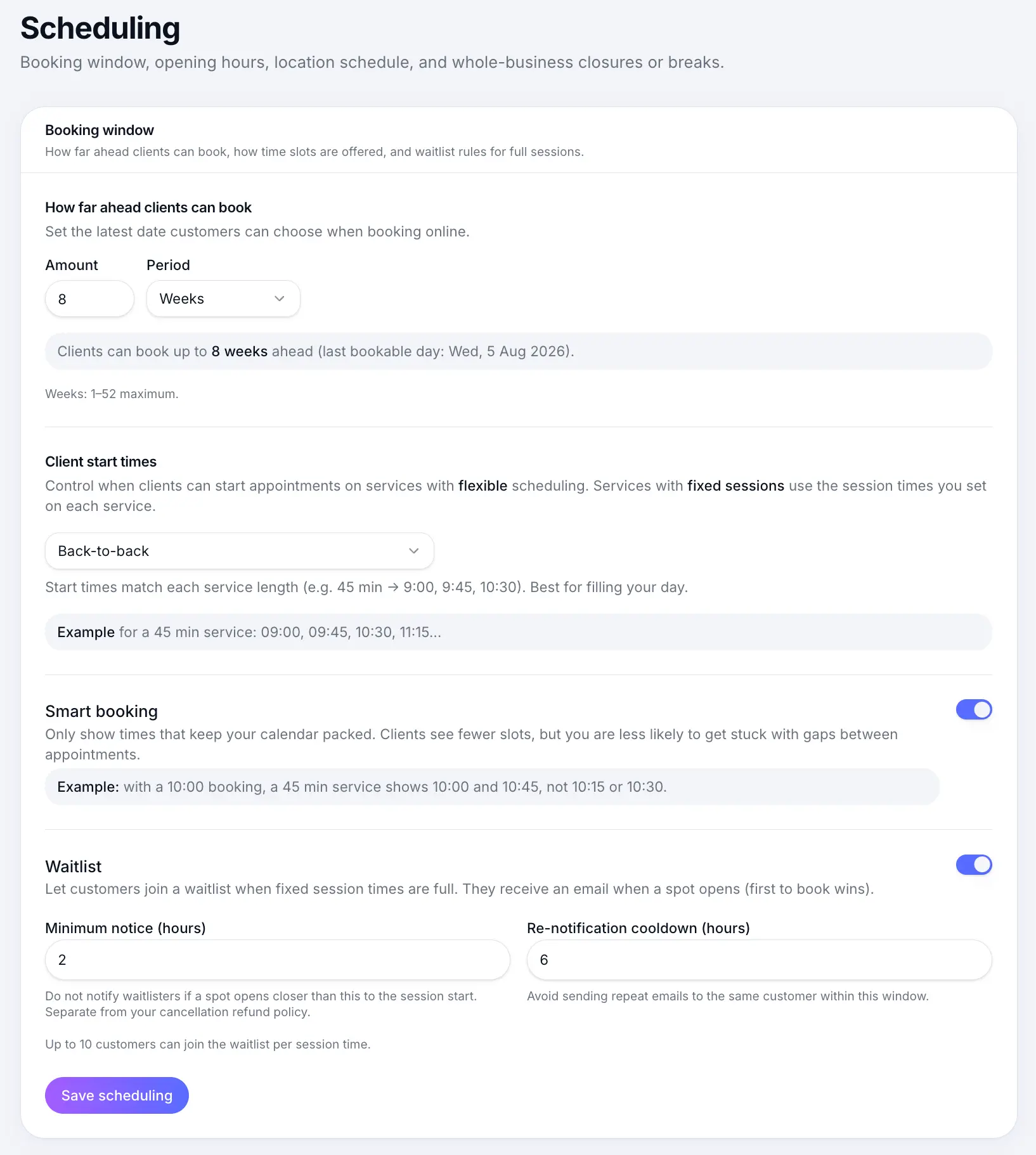
Quick answer: Scheduling settings control when customers can book — business hours, how far ahead, how soon, slot intervals, waitlist, and holiday closures.
Overview
Everything about when your calendar is open lives under Settings → Scheduling. Business hours set your weekly pattern; other sections fine-tune slot behaviour and exceptions.
| Section | What it controls |
|---|---|
| How far ahead clients can book | Booking horizon / window |
| Minimum notice | How soon customers can book |
| Client start times | Slot grid for flexible services |
| Smart booking | Hide awkward gap slots |
| Business hours | Open days and daily times |
| Waitlist | Business-wide waitlist defaults |
| Closures & breaks | Holiday and recurring blocks |
Common questions
Frequently asked questions
Business hours, the booking horizon, and minimum notice apply globally. Individual services can override waitlist and set their own session times.
Related articles
Settings
Setting business hours
Set which days you're open and your daily opening times for customer bookings.
Settings
How far ahead clients can book
Set your booking window so customers can only book within a chosen number of weeks, months, or years.
Settings
Minimum notice before customers can book
Hide same-day and last-minute times on your booking page by setting days and hours of notice.
Waitlist
Waitlist settings
Turn on waitlist, set minimum notice and re-notification cooldown.
Still need help?
If this article didn't answer your question, search the help centre or contact our support team.
Sign in to open a tracked support ticket, or use the contact form.